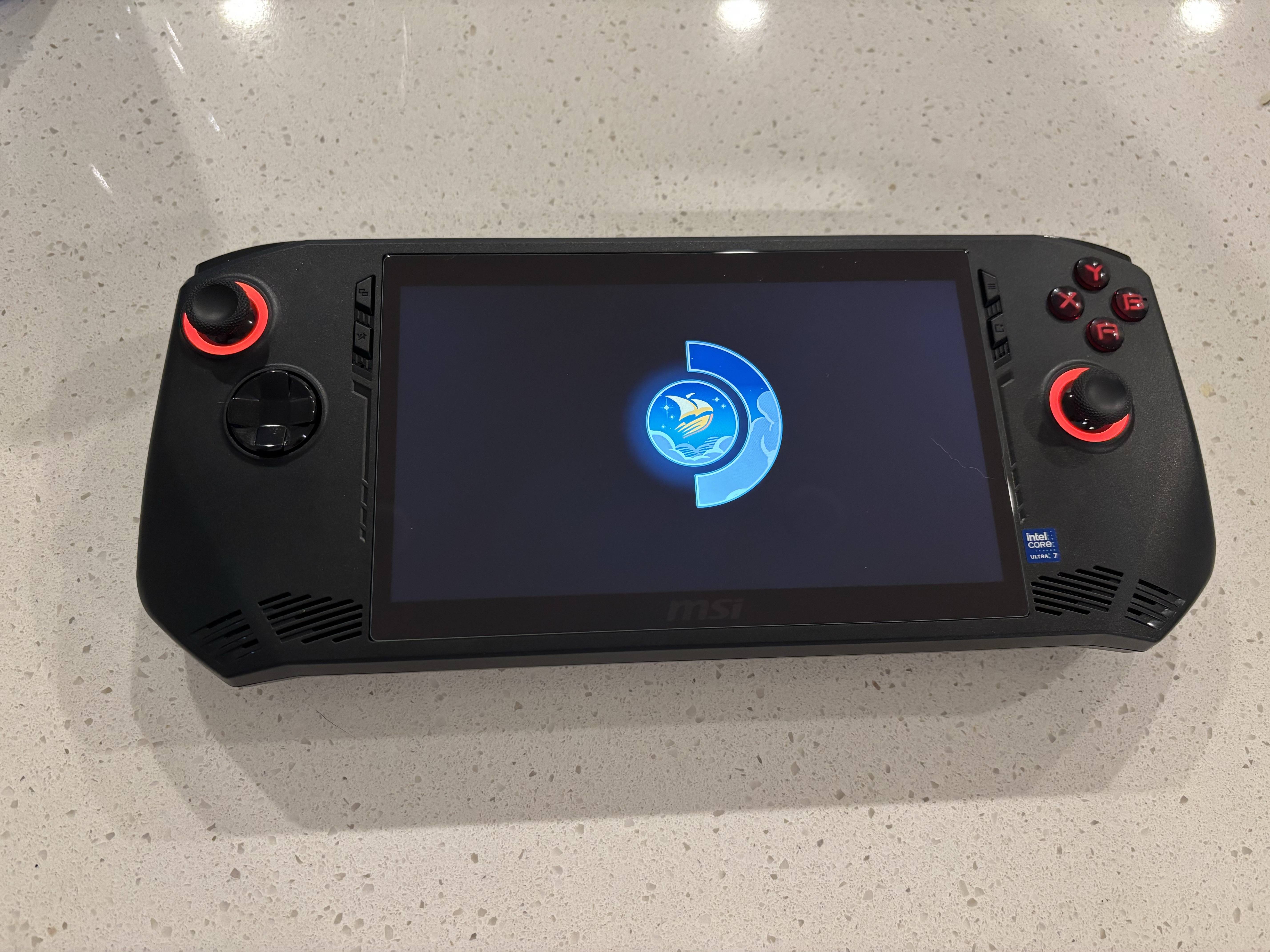
SteamOS on the MSI Claw
Windows 11
Some time ago I bought an MSI Claw 7+ AI second gen (A2VM). For the most part it was an opportunity to test the lunar lake detection of my tool. It was a nice platform even if it wasn’t the most powerful. However, multiple users meant that multiple user accounts were needed, and switching between accounts was a pain. Between updates and logins and the overhead of windows I asked myself if there was a better way.
Now generally, the go to is Bazzite or CachyOS, but I personally don’t really like and steer clear from specialty OS’s. That may sound ridiculous given that I have written previous articles about my adventure with a DIY steam machine, but I honestly consider SteamOS a bit more fit for purpose. Now while SteamOS does not officially support the Claw there were recent patches that enabled controller mapping. That is important because like many handhelds the Claw is pretty much just a controller with a screen.
Whats more Intel drivers are already built into the kernel, there should be no issue installing it.
Finding the right build
As I mentioned the Linux kernel already has support for the GPU. However in order to utilize the new controller mappings we will need to download a build that is newer then what is on Valves site. Like most distributions, official production ISOs are generally updated at a slow cadence. So we needed to search for a nightly or beta build that matches the version in which the patches were added. Thankfully, there is a place you can find these builds. If we take a look at https://steamdeck-images.steamos.cloud/steamdeck/ we can find the latest builds.
After a quick scroll I found build 3.8.6 and downloaded it. After unzipping it we just need to put it on a USB drive and boot from it.
Booting and installing
With our image in hand and unzipped it was time to write it to a drive. Just insert a USB drive and typed the following command:
sudo dd if=steamdeck-20260529.1-3.8.6.img of=/dev/sdX bs=128M conv=fsync status=progressNow that our image was written we just needed to boot from the USB. On the Claw this is done by plugging the drive into the left most USB-C port and holding Right Bumper (RB) and Right Trigger (RT) while pressing the power button. Disable secure boot and fast boot then save and exit. Go through the motions again and this time go to the boot menu and select the USB drive. In my case booting off the USB took a long time, after reaching a black screen with a cursor it took about 5 minutes to boot into the installer. Once there just follow the prompts and install it to the internal drive.
Note: You should remove the microSD card before installing.
Thankfully the screens are easy to navigate and the installation process is pretty straightforward. After the install was complete I rebooted and removed the USB. After boot I logged in, inserted a microSD and formatted it and walked the various menus.
All pretty cut and dry but there are a few I want to make note of.
Settings that matter
The first order of business after formatting the microSD was updating the system. First though we needed to enable developer settings and switch to the beta branch.
Settings > System > Developer Settings > Enable Developer Mode (Toggle)
Then we can switch to the beta branch.
Settings > System > Software Updates > OS Update Channel > Beta
Then switch to the beta channel.
Settings > System > Software Updates > Steam Client Update Channel > Beta
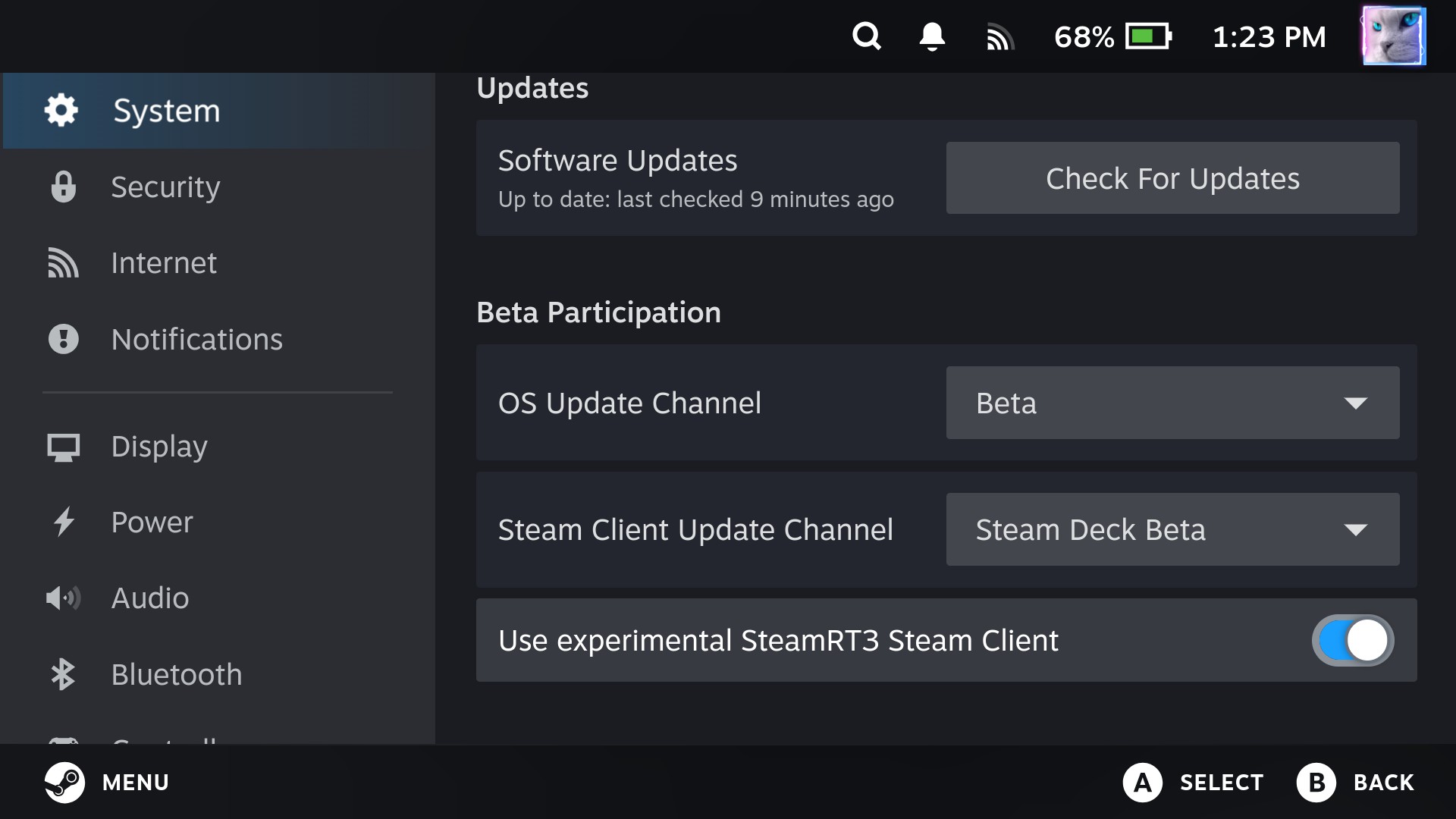
Nice, now after this you can play with the dev settings, but most importantly we need to update everything.
Once thats done, well were off to the races lets take a look.
Initial status
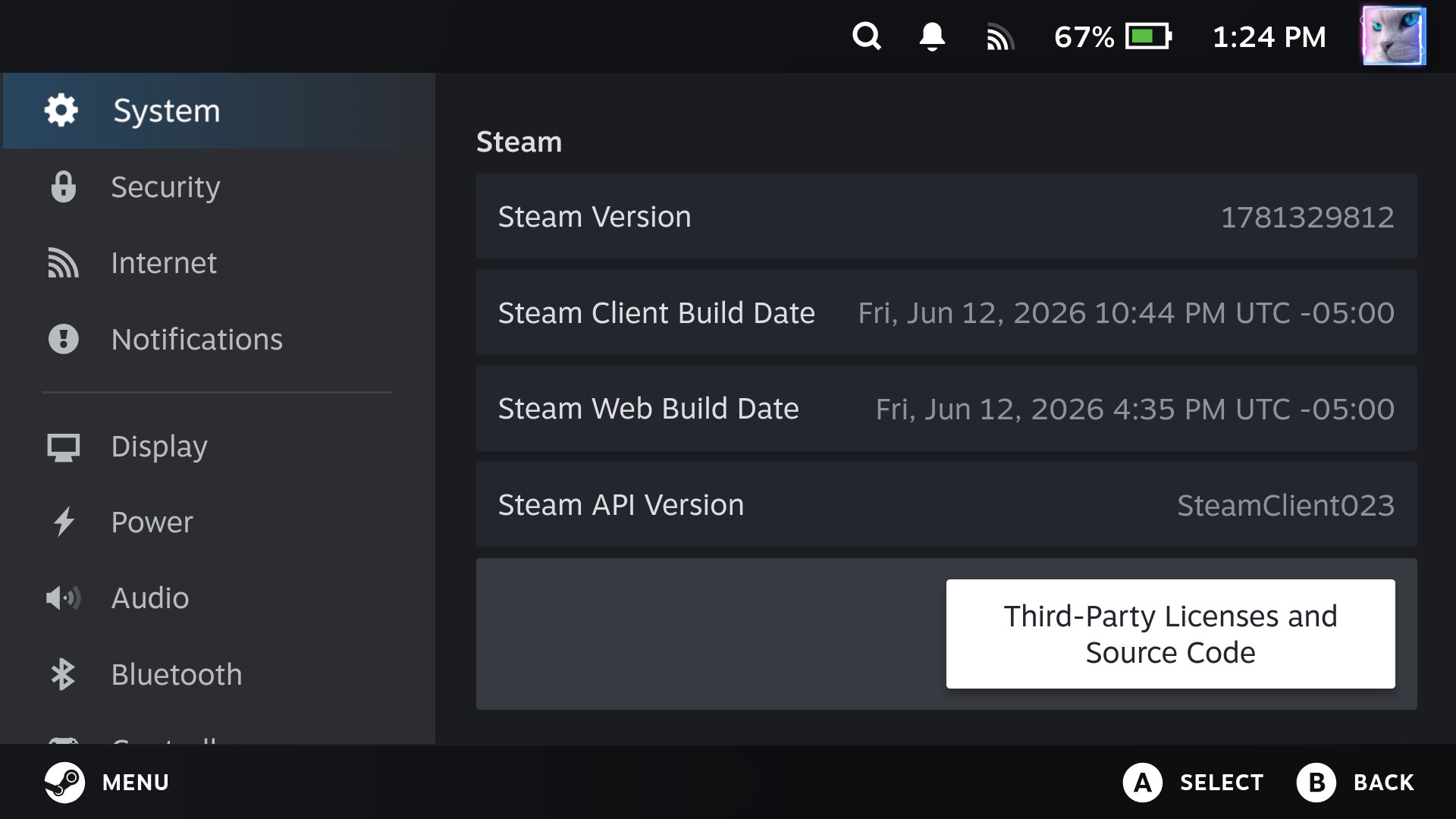
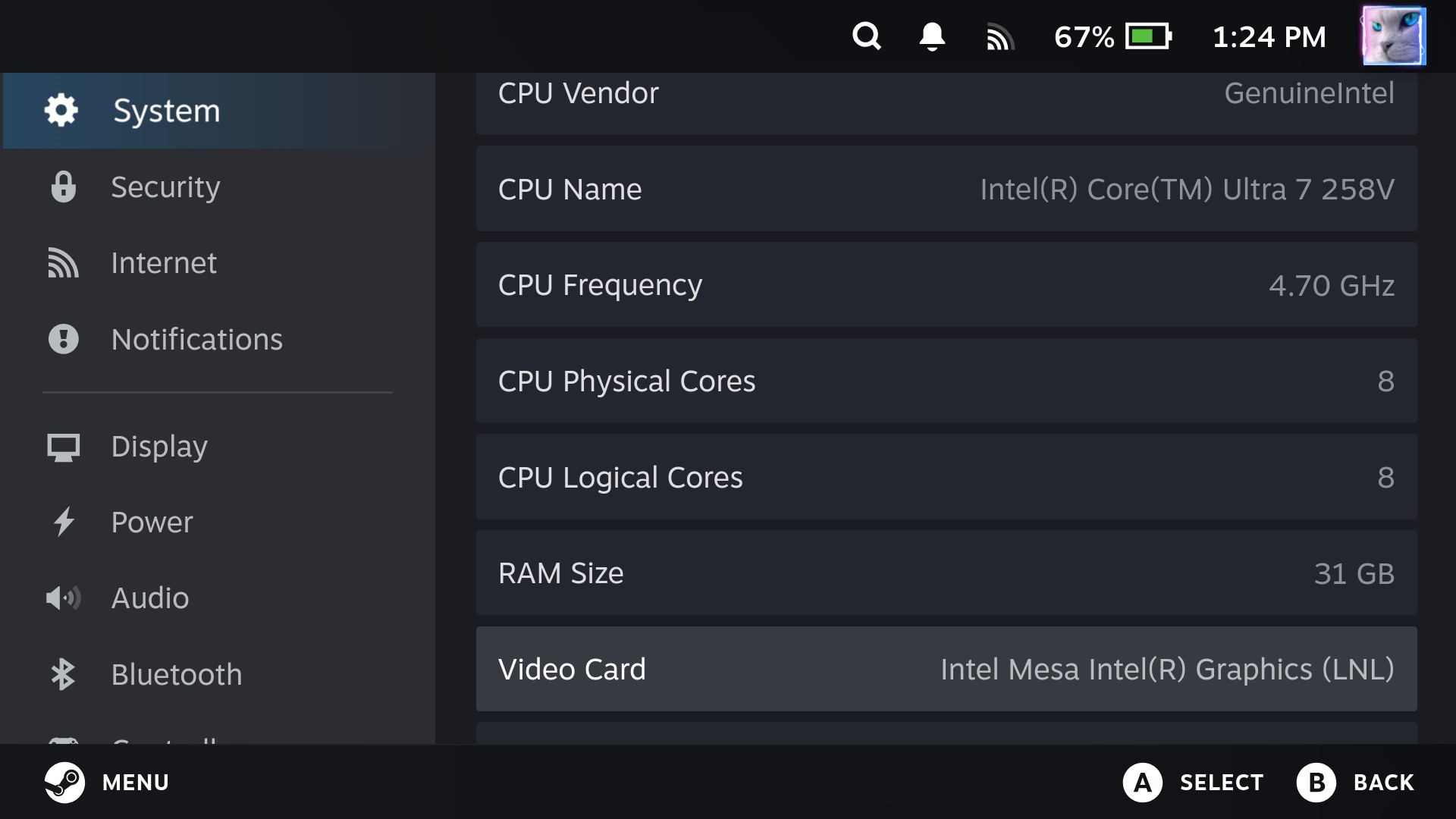
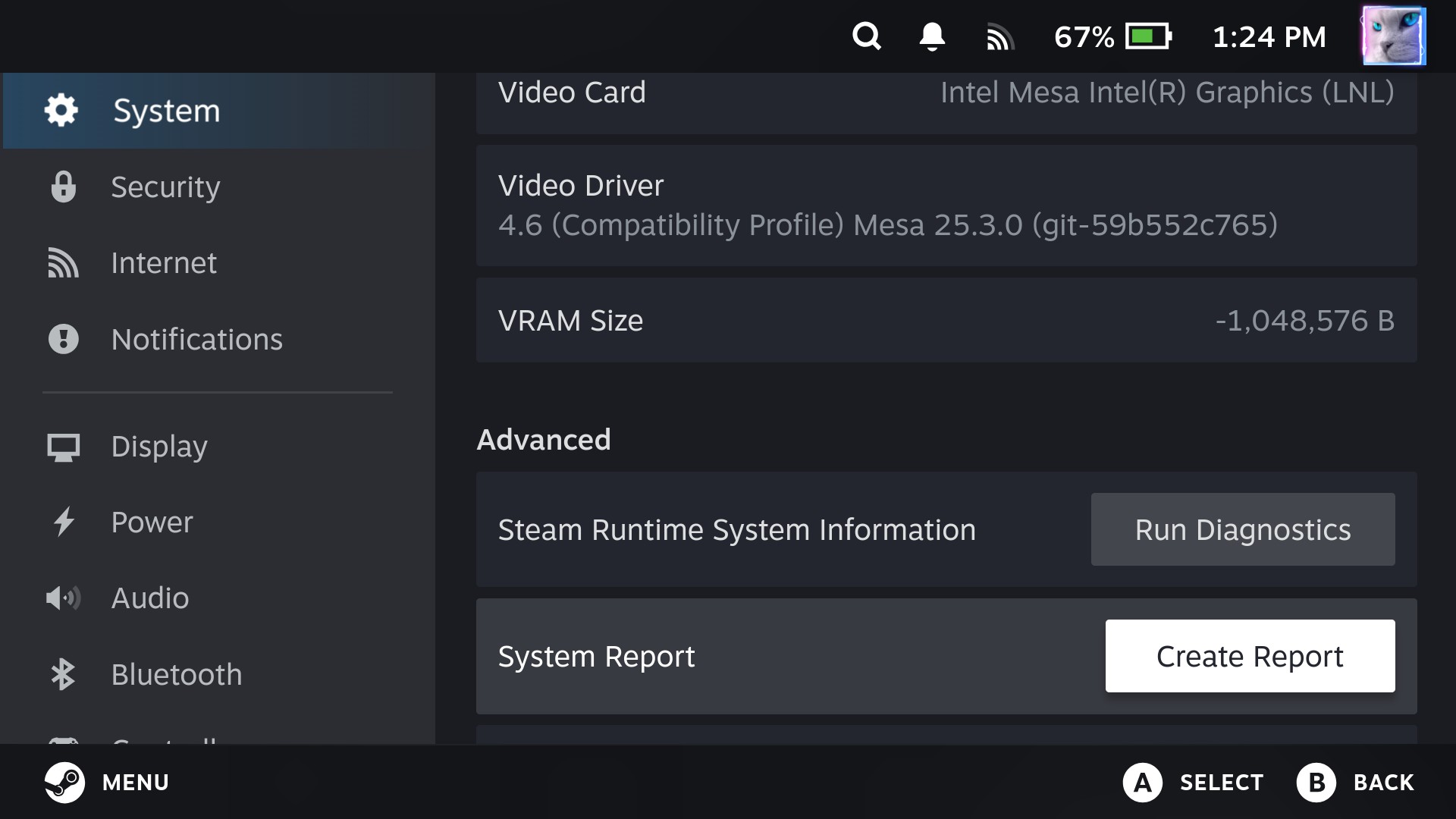
Once the system reboots after updates atleast as of 2 weeks ago, everything seems to be working correctly. The following is the Claws state. I am also happy to report that the controls work wonderfully.
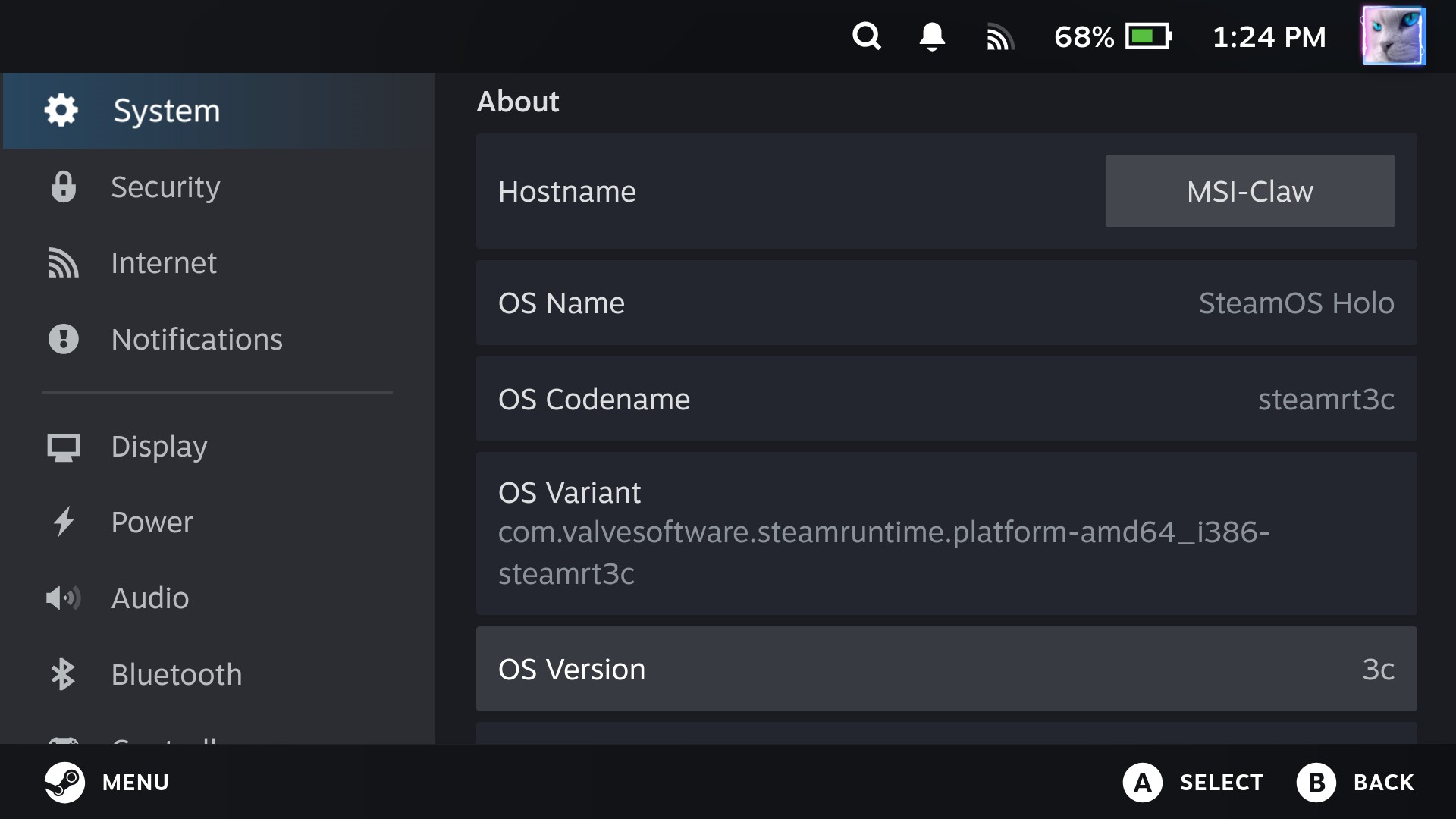 (This is the “steamrt3c” beta.)
Here are some other versions and readouts:
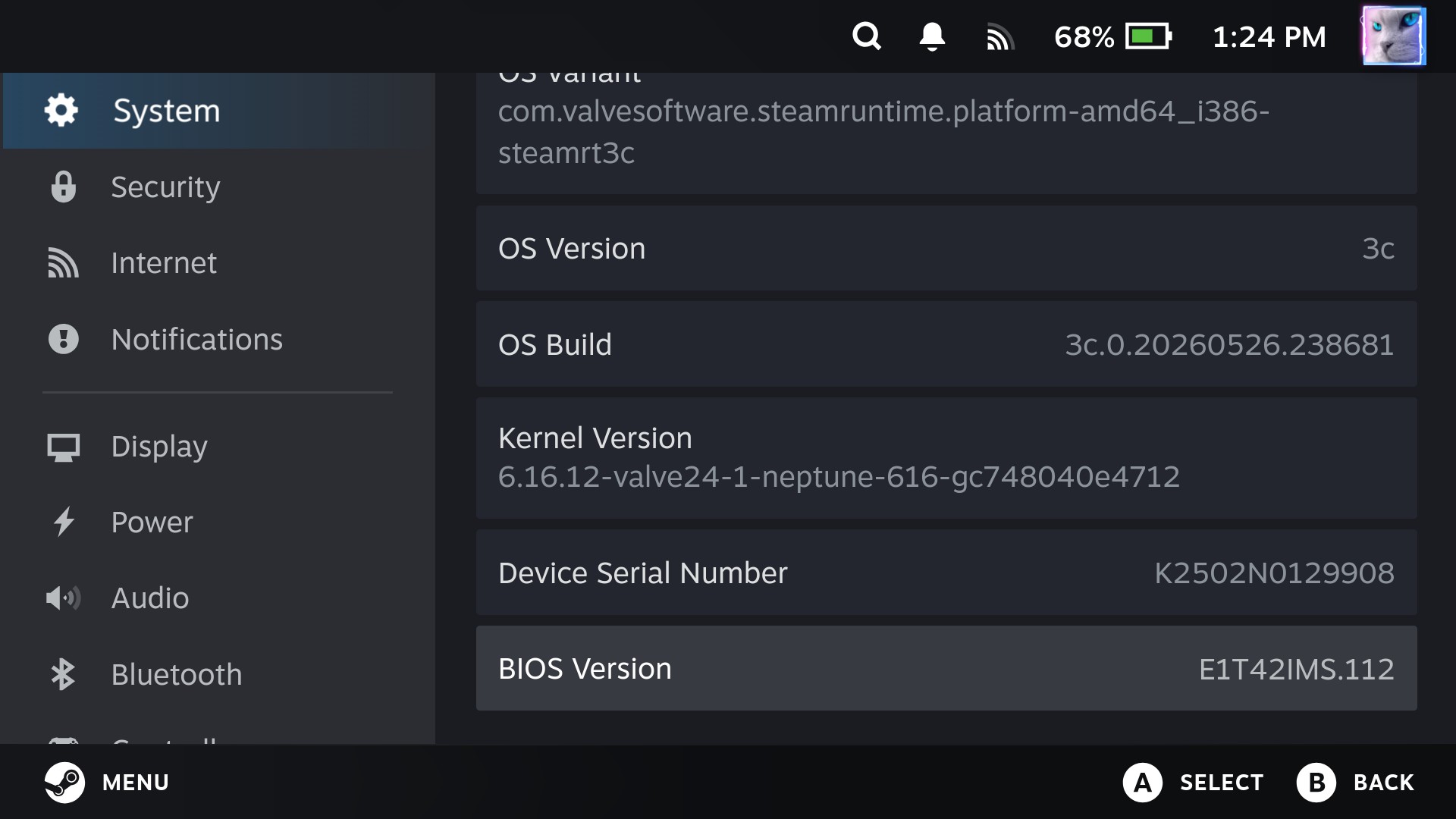
Looks fun and engineering centric, lets actually throw in a few screen shots of usability.
Usability
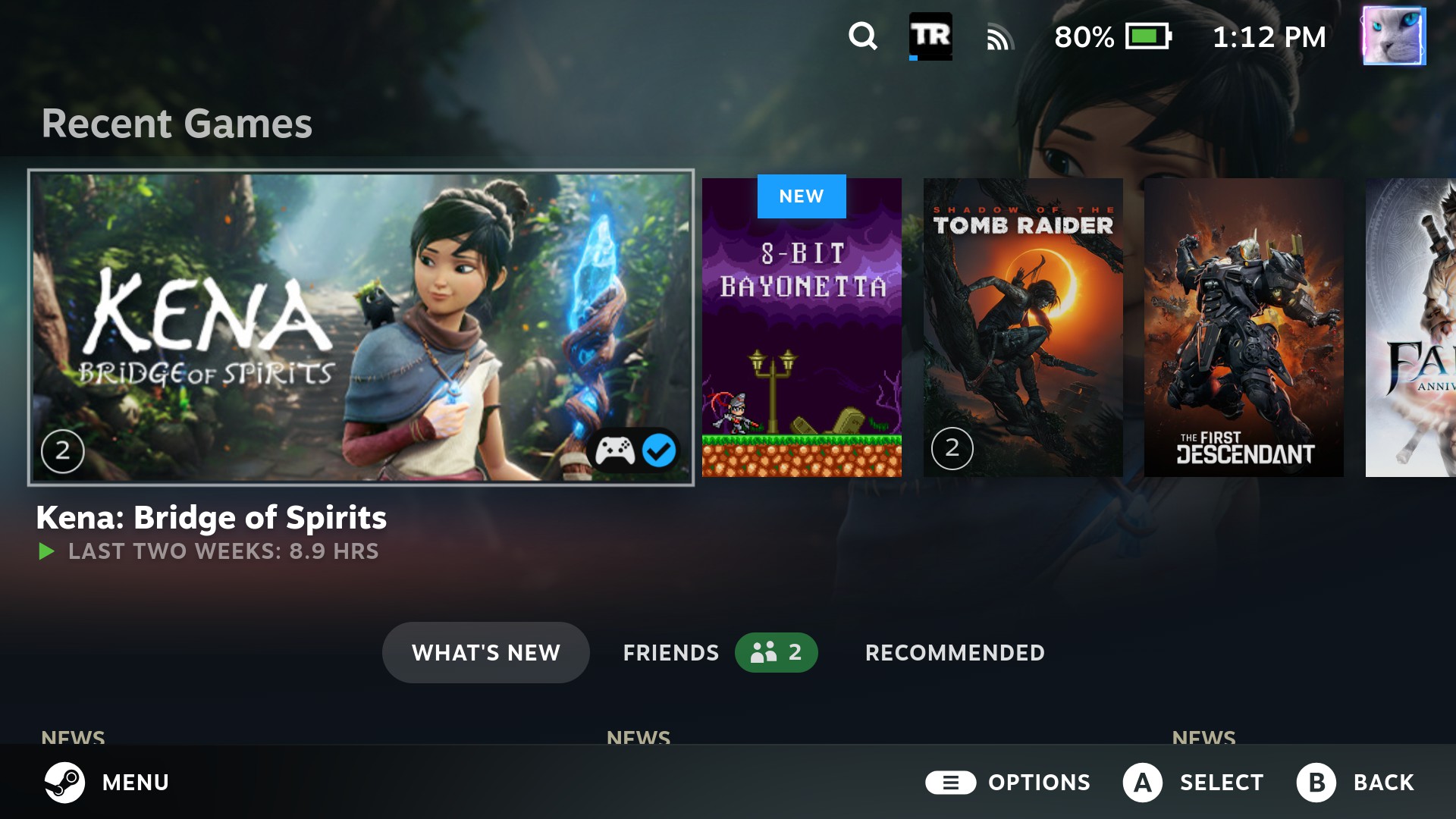
After initial install and configuration I took some time to grab some screen shots and do some game tuning.
Store page:
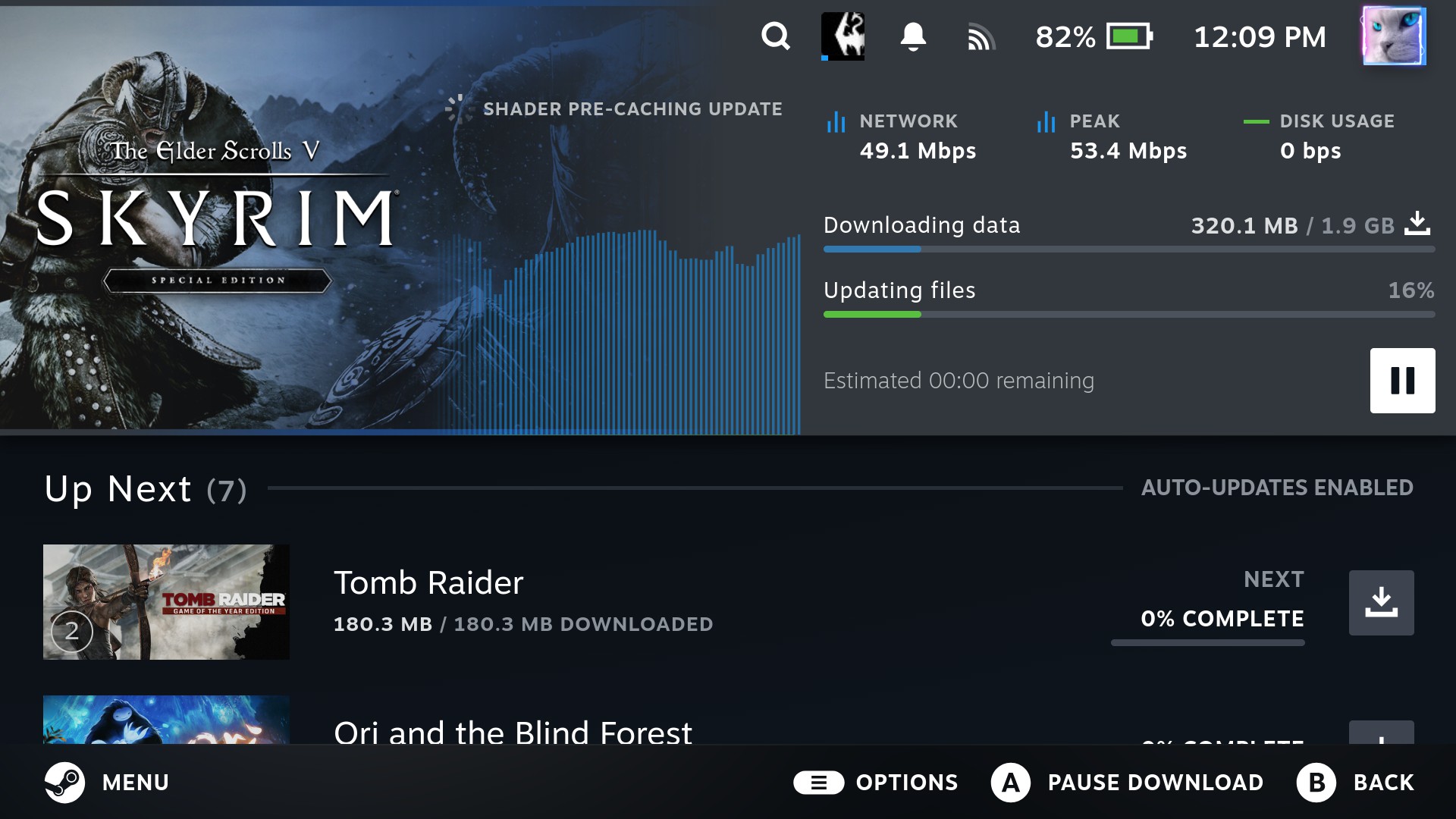
Downloads:
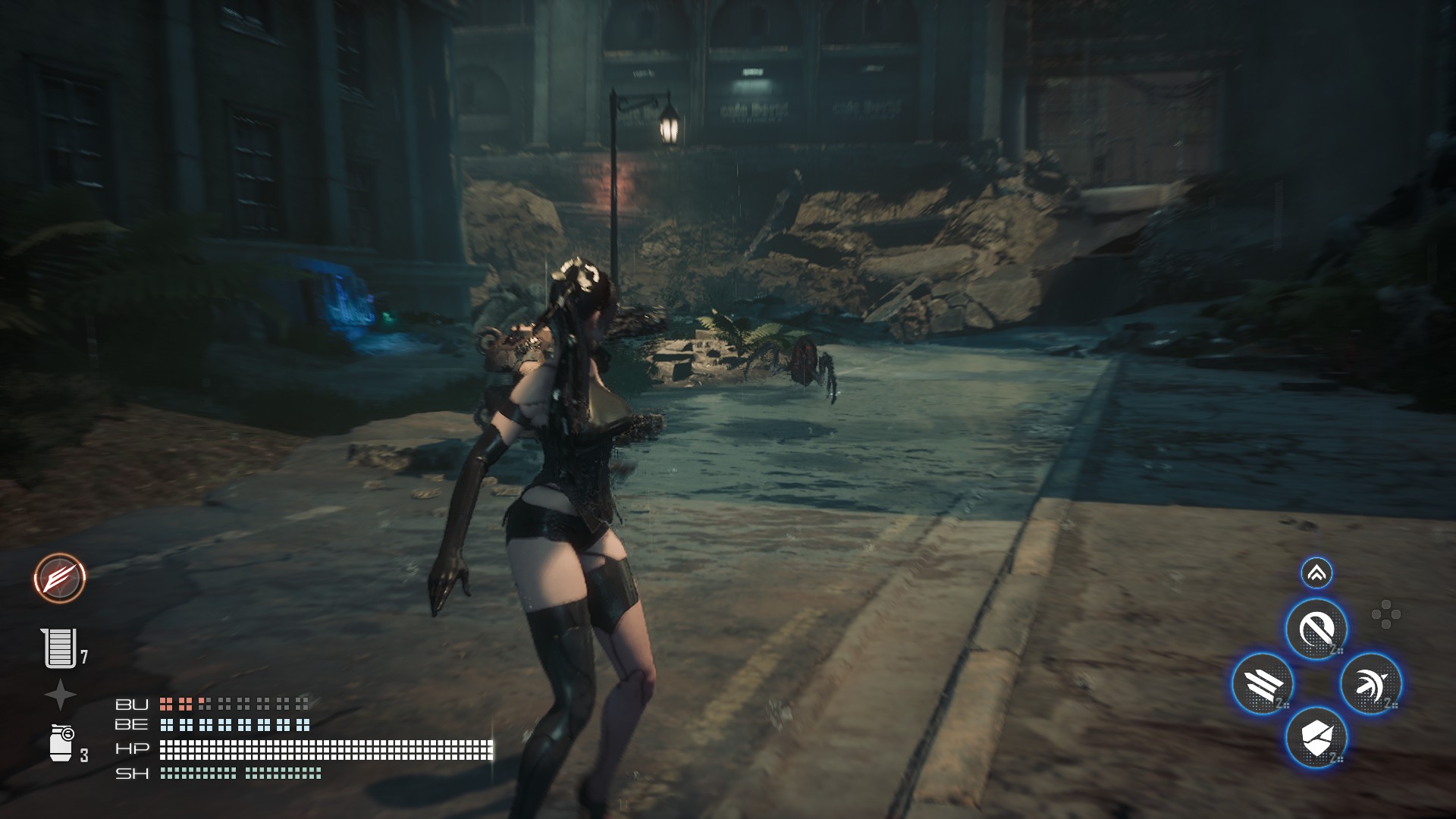
Stellar Blade:

Actually playing with some tuning:
Thoughts
Over the past few weeks I have used the Claw extensively. Added secondary users, enabled family sharing.
It is a far better experience then windows, and so far everything works as expected of SteamOS. To be honest I have no intentions of going back and with the button mappings working, there is really no usability reason to go back. Performance is pretty good, and thats on kernels 6.16 (Beta) and 6.18 (Main) stable is older; though I believe a few days ago steam released an update to Stable that includes the changes.
What makes this important is that not only should you now be able to install SteamOS from Stable to the claw, but in the near future kernel 7.X should be part of SteamOS. Kernel 7.X contains Intel GPU driver improvements that bring an impressive performance boost and should make performance on the Claw even better.
With that said, performance is good. Objectively anyway. Better then the pre-installed Windows at any rate.